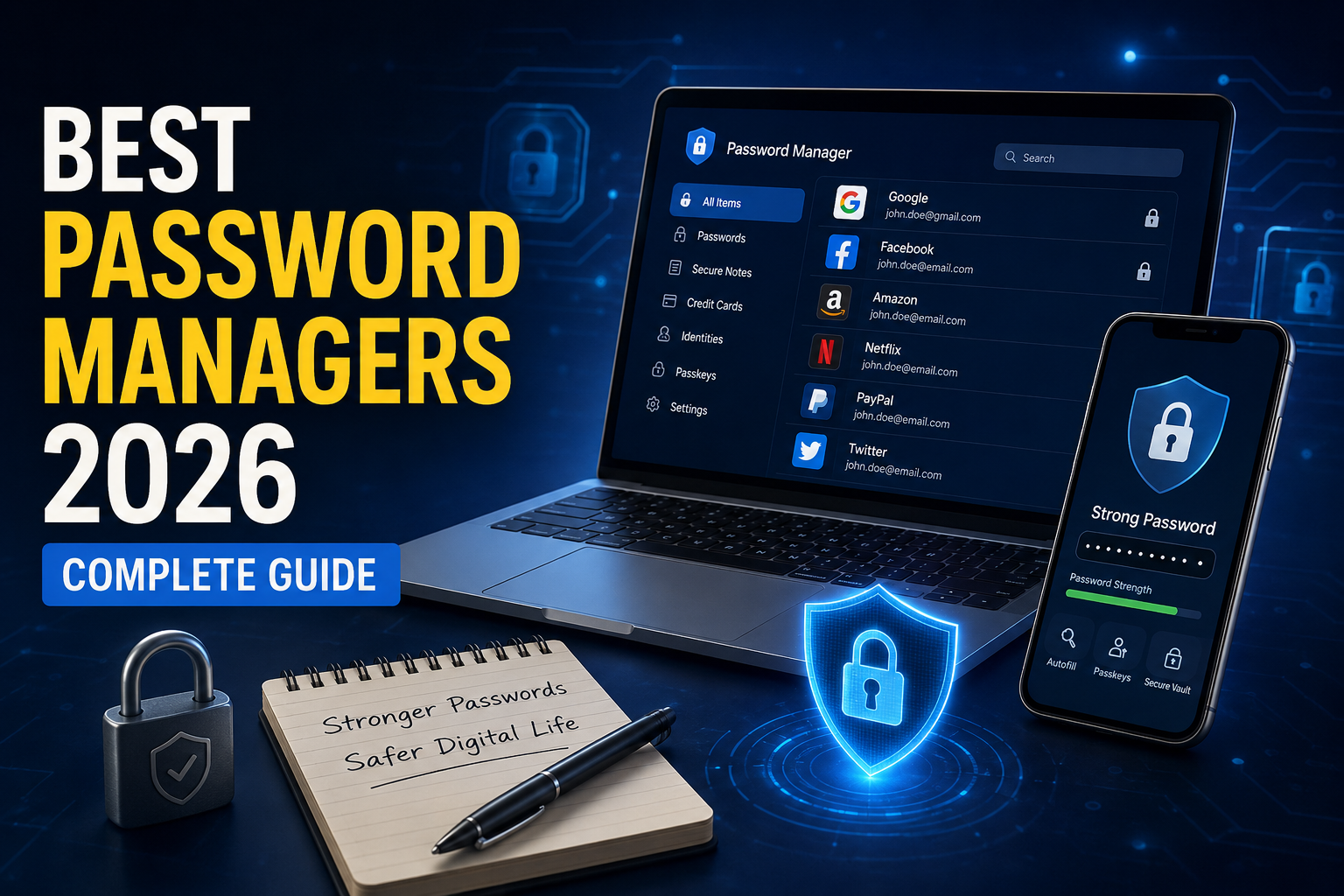
Best Password Managers 2026 are more important than ever as cybersecurity threats continue to grow. From phishing attacks and data breaches to credential stuffing and ransomware, weak or reused passwords remain one of the biggest security risks for both individuals and businesses. Choosing one of the best password managers in 2026 can help you create strong, unique passwords, securely store your login credentials, and protect your online accounts from unauthorized access.
According to multiple cybersecurity reports, millions of passwords are exposed in data breaches every month. Unfortunately, many people still reuse the same password across multiple websites, making them easy targets for hackers. As covered on Tech Demis, staying informed about the latest cybersecurity trends and digital security tools is just as important as using strong passwords.
This is where password managers become essential.
Modern password managers don’t just store passwords—they generate strong passwords, automatically fill login credentials, securely store sensitive information, support passkeys, monitor data breaches, and synchronize your vault across all devices.
In this guide, we’ll compare the best password managers in 2026, explain how they work, discuss security features, compare pricing, and help you choose the right solution.
What Is a Password Manager?
A password manager is software that securely stores your login credentials inside an encrypted digital vault.
Instead of remembering hundreds of passwords, you only need to remember one master password.
Most password managers also offer:
- Password generation
- Auto-fill login forms
- Passkey support
- Secure notes
- Credit card storage
- Identity protection
- Dark web monitoring
- Multi-device synchronization
Why You Need a Password Manager in 2026
Cybercriminals increasingly target reused and weak passwords.
Without a password manager, users often create passwords like:
- 123456
- password
- admin123
- qwerty
These passwords can be cracked in seconds.
A good password manager automatically creates passwords like:
L7$e#Q9!nR2@wP4xY8
Such passwords are nearly impossible to guess or brute-force.
Key Features to Look For
Before choosing any password manager, make sure it includes:
Zero-Knowledge Encryption
Your data remains encrypted before leaving your device.
Even the password manager company cannot read your vault.
AES-256 Encryption
AES-256 remains the industry standard trusted by governments, banks, and enterprise organizations.
Passkey Support
2026 is becoming the year of passkeys.
Top password managers now support:
- Google Passkeys
- Apple Passkeys
- Microsoft Passkeys
- FIDO2 Authentication
Passkeys are phishing-resistant and more secure than traditional passwords.
Multi-Factor Authentication
Look for support including:
- Authenticator apps
- Hardware security keys
- Biometrics
- Email verification
Cross-Platform Support
Your password manager should work on:
- Windows
- macOS
- Linux
- Android
- iPhone
- Chrome
- Edge
- Firefox
- Safari
Password Health Reports
Many premium password managers analyze your vault and identify:
- Weak passwords
- Reused passwords
- Compromised passwords
- Old passwords
Best Password Managers in 2026
1. 1Password — Best Overall Password Manager
Best For: Families, professionals, and businesses
Pros
- Excellent security
- Beautiful interface
- Fast syncing
- Travel Mode
- Passkey support
- Secure sharing
- Developer-friendly
Cons
- No completely free plan
Features
- AES-256 encryption
- Secret Key protection
- Zero-knowledge architecture
- Watchtower security alerts
- Passkey management
- Secure document storage
- SSH key support
Watchtower continuously checks for compromised passwords and weak security practices.
Overall, 1Password remains one of the most polished password managers available.
2. Bitwarden — Best Free Password Manager
Best For: Budget-conscious users
Bitwarden has become incredibly popular because its free plan includes features that many competitors reserve for paid tiers.
Pros
- Open-source
- Affordable premium
- Unlimited passwords
- Multi-device sync
- Passkey support
- Self-hosting available
Cons
- Interface isn’t as polished as some competitors
Features
- Zero-knowledge encryption
- AES-256
- Password generator
- Secure notes
- File attachments
- Vault health reports
- Emergency access
Bitwarden is frequently audited by independent security firms, adding trust and transparency.
3. Dashlane
Dashlane focuses on security and identity protection.
Pros
- Excellent user interface
- VPN included on some plans
- Dark web monitoring
- Password health dashboard
- Passkey support
Cons
- More expensive than competitors
Features
- Password sharing
- Secure notes
- Identity monitoring
- Automatic password changer (for supported sites)
- Device synchronization
4. NordPass
Created by the team behind NordVPN, NordPass continues to improve every year.
Pros
- Easy to use
- XChaCha20 encryption
- Passkey support
- Email masking
- Secure sharing
Cons
- Free version limits simultaneous active devices
Features
- Password health
- Data breach scanner
- Biometrics
- OCR scanning
- Password import
NordPass is an excellent option for beginners.
5. Keeper
Keeper targets individuals, families, and enterprise customers.
Pros
- Extremely secure
- Strong enterprise tools
- Secure messaging
- Excellent admin dashboard
Cons
- Premium features cost extra
Features
- Role-based access
- Secure file storage
- Password rotation
- Compliance support
- Breach monitoring
Large organizations often choose Keeper because of its extensive administrative controls.
6. RoboForm
RoboForm has existed for decades and remains a dependable password manager.
Pros
- Excellent form filling
- Affordable
- Secure sharing
- Folder organization
Cons
- Interface feels dated
Features
- Password auditing
- Cloud sync
- Offline access
- Emergency access
- Secure notes
7. Proton Pass
Proton Pass is gaining popularity among privacy-focused users.
Pros
- Swiss privacy laws
- Open source
- Email aliases
- Passkey support
- Strong encryption
Cons
- Smaller feature set than older competitors
Features
- Encrypted notes
- Hide-my-email aliases
- Password sharing
- Dark web monitoring (select plans)
Comparison Table
| Password Manager | Free Plan | Passkeys | Open Source | Dark Web Monitoring | Best For |
|---|---|---|---|---|---|
| 1Password | No | Yes | No | Yes | Overall Best |
| Bitwarden | Yes | Yes | Yes | Premium | Best Free |
| Dashlane | Limited | Yes | No | Yes | Identity Protection |
| NordPass | Yes | Yes | No | Yes | Beginners |
| Keeper | Limited | Yes | No | Yes | Business |
| RoboForm | Yes | Partial | No | Premium | Form Filling |
| Proton Pass | Yes | Yes | Yes | Premium | Privacy |
Are Free Password Managers Safe?
Yes—provided you choose a reputable provider.
Recommended free options include:
- Bitwarden
- Proton Pass
- NordPass Free
- RoboForm Free
Avoid unknown password managers with poor security practices or no independent audits.
Password Managers vs Browser Password Storage
Many browsers save passwords, but dedicated password managers provide more comprehensive security.
| Browser Passwords | Password Managers |
|---|---|
| Basic encryption | Zero-knowledge encryption |
| Limited sharing | Secure password sharing |
| Basic password generation | Advanced password generation |
| Minimal breach monitoring | Dark web monitoring |
| Few security reports | Vault health reports |
| Limited platform support | Broad cross-platform support |
If security matters, a dedicated password manager is the better choice.
Are Password Managers Hackable?
No system is completely immune to attacks. However, leading password managers implement multiple layers of protection:
- End-to-end encryption
- Zero-knowledge architecture
- Independent security audits
- Multi-factor authentication
- Device authorization
- Continuous security updates
Using a reputable password manager with a strong master password and MFA significantly reduces your risk.
Tips for Using a Password Manager Safely
To maximize security:
- Use a unique, strong master password.
- Enable multi-factor authentication (MFA).
- Update weak or reused passwords.
- Store recovery codes securely.
- Keep your devices updated.
- Never share your master password.
- Regularly review password health reports.
- Back up important recovery information in a secure location.
Password Managers and Passkeys
Passkeys are quickly becoming the future of authentication. Unlike passwords, they rely on public-key cryptography and are resistant to phishing attacks.
Leading password managers now let you:
- Create passkeys.
- Sync passkeys across devices.
- Store both passwords and passkeys in one secure vault.
- Sign in with biometrics where supported.
As more websites adopt passkeys, choosing a password manager with strong passkey support is increasingly important.
How to Choose the Right Password Manager
Your ideal choice depends on your needs:
- Best Overall: 1Password
- Best Free Option: Bitwarden
- Best for Privacy: Proton Pass
- Best for Families: 1Password Families
- Best for Businesses: Keeper
- Best for Beginners: NordPass
- Best for Form Filling: RoboForm
Consider your budget, required features, device compatibility, and whether you prefer open-source software.
Final Verdict
A password manager is no longer a luxury—it’s an essential part of online security in 2026. With cyber threats increasing and more services supporting passkeys, relying on memory or browser-saved passwords is no longer sufficient.
Among the available options, 1Password stands out for its polished experience, advanced security features, and support for individuals, families, and businesses. Bitwarden remains the best value, offering a generous free plan and transparent open-source development. Users who prioritize privacy should consider Proton Pass, while Keeper is a strong choice for organizations that need advanced administrative controls.
The most important step is to start using a trusted password manager, enable multi-factor authentication, and replace weak or reused passwords with unique, randomly generated ones.
Frequently Asked Questions (FAQs)
Which is the best password manager in 2026?
For most users, 1Password is the best overall choice due to its security, ease of use, passkey support, and cross-platform compatibility. Bitwarden is the top free alternative.
Are password managers worth paying for?
Yes. Premium plans often include secure sharing, dark web monitoring, encrypted file storage, emergency access, advanced reports, and priority support, making them worthwhile for users managing many accounts.
Can password managers store passkeys?
Yes. Most leading password managers, including 1Password, Bitwarden, Dashlane, NordPass, Keeper, and Proton Pass, now support creating, storing, and syncing passkeys.
Is it safe to store all passwords in one place?
Yes, provided you use a reputable password manager with zero-knowledge encryption, a strong master password, and multi-factor authentication. This is generally much safer than reusing passwords or storing them in plain text.
What happens if I forget my master password?
Most password managers cannot recover your master password because of their zero-knowledge design. Some offer recovery options, emergency access, or account recovery methods, so it’s important to set these up when creating your account.