

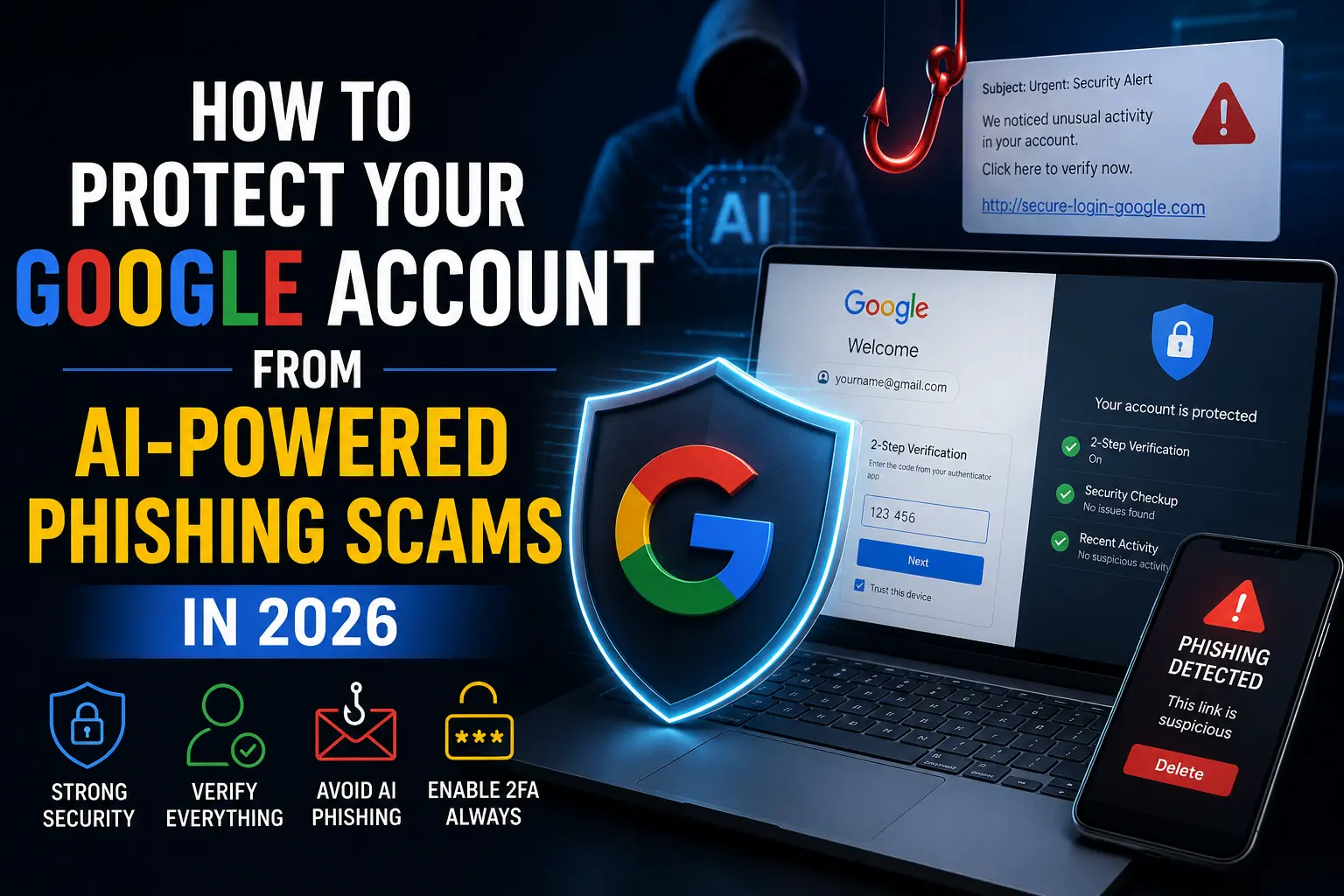
If a phishing email still makes you think of bad grammar and an obviously fake sender address, it’s time to update that mental picture. In 2026, most phishing emails are written by AI, and they’re good enough to fool trained professionals, not just casual users. Google’s own June 2026 fraud advisory puts global fraud losses at $580 billion for 2025 alone, affecting roughly one in five adults — and a meaningful share of that is now flowing through attacks specifically engineered to bypass the defenses Gmail users have relied on for years.
Here at Tech Demis, we cover this kind of deceptive, trust-exploiting content often — from fake product networks to AI-generated scams. Here’s what’s actually changed, how these attacks work against your Google account specifically, and what genuinely stops them.
The Numbers Behind the Shift
The scale of this shift happened fast, and the timeline is worth understanding. As recently as November 2025, only about 4% of phishing emails showed meaningful signs of AI involvement. By December 2025, that number jumped to 56%. By early 2026, security researchers placed the AI-assisted share at 82.6% of all phishing emails — meaning the overwhelming majority of phishing attempts hitting inboxes today are, in some meaningful way, AI-generated.
The practical effect of that shift is measurable too: AI-generated phishing emails now achieve click-through rates roughly four times higher than traditional phishing attempts, and successful phishing scams attributed to AI tools rose 400% in 2025 alone. Google itself blocks around 100 million phishing emails every day, and 68% of those belong to campaigns its systems had never seen or catalogued before — a sign of how quickly attackers are generating new variations rather than reusing old templates.
Why AI Changed the Game
The old advice for spotting phishing — watch for typos, awkward phrasing, generic greetings — assumed a human attacker with limited language skills and no personal information about you. Generative AI removes both of those limitations at once. Attackers can now produce flawless, personalized, multilingual phishing messages at industrial scale, referencing real details scraped from social media, breached data, or public records, so an email reads like it genuinely came from a colleague, your bank, or Google itself.
Google and Microsoft remain the most impersonated brands globally, precisely because they’re the accounts everyone has and everyone trusts implicitly — a fake “security alert” from Google carries built-in credibility that a random company name never would.
The Specific Attacks Targeting Your Google Account Right Now
Google’s own June 2026 advisory names three techniques currently doing the most damage to Gmail and Google account users specifically, and they’re worth understanding individually, since each one requires a slightly different defense.
Adversary-in-the-Middle (AITM) Attacks
This is the one security researchers are most worried about, because it defeats a protection most people think is bulletproof: two-factor authentication. Here’s how it actually works. Instead of a fake page that just steals your password, an AITM attack sits invisibly between you and the real Google login page, relaying everything you type to the genuine service in real time. When Google’s actual system responds with a session cookie — the small piece of data that keeps you logged in after you’ve already passed 2FA — the attacker captures that cookie too, and uses it to access your account directly, completely bypassing the two-factor step you already completed.
In plain terms: AITM doesn’t try to guess or steal your second factor. It waits for you to log in successfully, then steals the proof that you did.
Calendar Invite Phishing
A newer, more subtle vector: malicious Google Calendar invitations that plant themselves directly on your schedule, often containing links to fake login pages or malicious downloads disguised as meeting details. Because calendar invites feel administrative rather than urgent, they tend to slip past the instinctive suspicion most people now apply to unexpected emails.
ClickFix Fake Update Lures
This technique presents a fake “urgent update required” prompt, tricking users into manually running a malicious command or downloading a fake update themselves — sidestepping traditional malware-scanning defenses entirely, since the user is the one who executes the action rather than a file silently installing itself.
Other Trends Worth Knowing About
Beyond the three techniques Google specifically flagged, several broader patterns are reshaping the phishing landscape in 2026 and are worth watching for:
Phishing through legitimate platforms. Roughly 22% of all phishing is now sent through legitimate services — Google, Microsoft, SharePoint, and similar platforms — meaning the email inherits that platform’s own authentication and lands straight in your inbox, bypassing spam filters that look for suspicious sending infrastructure. This overlaps with a broader pattern we’ve documented in our guide on how to spot fake tech products online — attackers consistently exploit the trust built into familiar names and platforms, whether that’s a fake product or a fake login page.
QR code phishing (“quishing”) is surging. QR code attacks increased 400% between 2023 and 2025, and a majority are now hidden inside attachments specifically to evade automated scanners — a real concern given how instinctively people scan a QR code without scrutinizing where it actually leads.
SMS and voice phishing are a growing share. SMS-based phishing (smishing) now accounts for roughly 35% of all phishing attacks, and deepfake voice calls have been directly tied to individual thefts as large as $25 million in a single incident — a reminder that “phishing” no longer means just email. We’ve covered this specific threat in more depth in our guide on how to spot AI-generated deepfakes, including the exact voice-cloning tactics behind these calls.
Hosting infrastructure is concentrated. When security researchers tracked takedown requests in early 2026, Cloudflare’s network fronted 39% of disabled phishing sites through its DNS proxy service, which hides the true origin of the malicious site — a detail that matters more for security researchers than individual users, but reflects how professionalized this infrastructure has become.
How to Actually Protect Your Google Account
Enable Google Advanced Protection if you’re a high-value target. This is Google’s strongest account security tier, and it specifically blocks the cookie-theft mechanism that powers AITM attacks — the single most dangerous technique currently in wide use. If you handle sensitive work communications, financial accounts, or simply want the strongest available protection, this is the most impactful single step available.
Change your Calendar invite settings. In Google Calendar, set event creation from invitations to “When I respond to the invitation in email” rather than automatic. This stops malicious calendar invites from appearing on your schedule unprompted in the first place.
Never run a command or install an “update” that a website or email tells you to. Legitimate software updates come from the vendor directly, through official update mechanisms — never through a popup instructing you to copy and paste a command into a terminal or run a downloaded file “to fix an issue.”
Be suspicious of urgency, even when the email looks flawless. Since grammar and formatting are no longer reliable red flags, the psychological pressure tactic — urgent deadlines, threatened account suspension, unexpected calendar invites — is now a more reliable signal than surface-level polish.
Verify through a separate channel before acting on anything sensitive. If an email claims to be from Google, your bank, or a colleague asking for something unusual, verify through a different channel entirely — a phone call, a separate app, a direct visit to the official site typed manually rather than clicked — rather than replying to or clicking anything in the message itself.
Treat QR codes with the same suspicion as unexpected links. Before scanning a QR code from an email, poster, or unfamiliar source, consider where it’s taking you just as carefully as you would a text link — the destination isn’t visible until after you’ve already scanned it.
Keep 2FA enabled regardless — it still helps. AITM attacks are a real threat, but they require actively intercepting a live login session; they don’t make 2FA worthless, they just mean it’s not a complete defense on its own anymore. Combining 2FA with Advanced Protection and the behavioral habits above closes most of the gap.
The Bigger Picture
Phishing has evolved from a mass, low-effort scam into something closer to precision-guided social engineering — as one industry report put it, less like a fishing net cast wide across the ocean and more like a harpoon guided by real-time data about you specifically. That shift means the old checklist of red flags — typos, generic greetings, obviously fake senders — genuinely isn’t sufficient anymore. The accounts most worth protecting are exactly the ones attackers are targeting hardest right now: Gmail, Google Workspace, and the two billion Google accounts that make this platform the single largest target for AI-generated phishing on the internet.
The good news is that Google’s own defenses are evolving alongside the threat — Device Bound Session Credentials, specifically built to make stolen session cookies useless on another device, is rolling out as a direct response to AITM attacks. But platform-level defenses take time to reach everyone, and in the meantime, the habits above remain the most reliable protection you actually control.
Frequently Asked Questions
What percentage of phishing emails are now AI-generated?
As of early 2026, security researchers estimate roughly 82.6% of phishing emails contain some form of AI-generated content, up from just 4% in November 2025 — one of the fastest shifts in attack methodology security researchers have documented.
Can AI-powered phishing bypass two-factor authentication?
Yes, through a specific technique called Adversary-in-the-Middle (AITM), which intercepts your login in real time and steals the session cookie generated after you successfully complete 2FA, rather than trying to steal or guess your second factor directly. Google’s Advanced Protection program and upcoming Device Bound Session Credentials are specifically designed to counter this.
How can I tell if a phishing email is AI-generated?
You largely can’t, based on writing quality alone — this is exactly what makes AI-generated phishing so effective. Instead of looking for grammar mistakes, focus on urgency cues, unexpected requests, and verifying through a separate communication channel before acting on anything sensitive.
What is Google Advanced Protection, and do I need it?
It’s Google’s highest-security account tier, designed to block sophisticated attacks including cookie theft from AITM phishing. It’s specifically recommended for high-value targets — anyone handling sensitive financial, business, or personal data — though anyone can enroll for stronger baseline protection.
Are QR codes actually a meaningful phishing risk?
Yes. QR code phishing (“quishing”) increased 400% between 2023 and 2025, and a majority of malicious QR codes are now hidden inside attachments specifically to evade automated security scanners. Treat an unexpected QR code with the same scrutiny you’d apply to a suspicious link.
Note: Statistics and techniques referenced in this article reflect publicly available security research and Google’s official advisories as of mid-2026. Phishing tactics continue to evolve rapidly — check Google’s official Safety Center for the most current guidance.
Related Reads
- How to Spot AI-Generated Content and Deepfakes in 2026
- How to Spot Fake Tech Products Online: A Complete Guide
- Free Instagram Followers Tools: Real Risks Behind the Promise
- Best VPN Services in 2026: Are They Still Necessary?
- Best Password Managers 2026
For more honest tech coverage, security guides, and no-fluff reviews, visit Tech Demis.
