
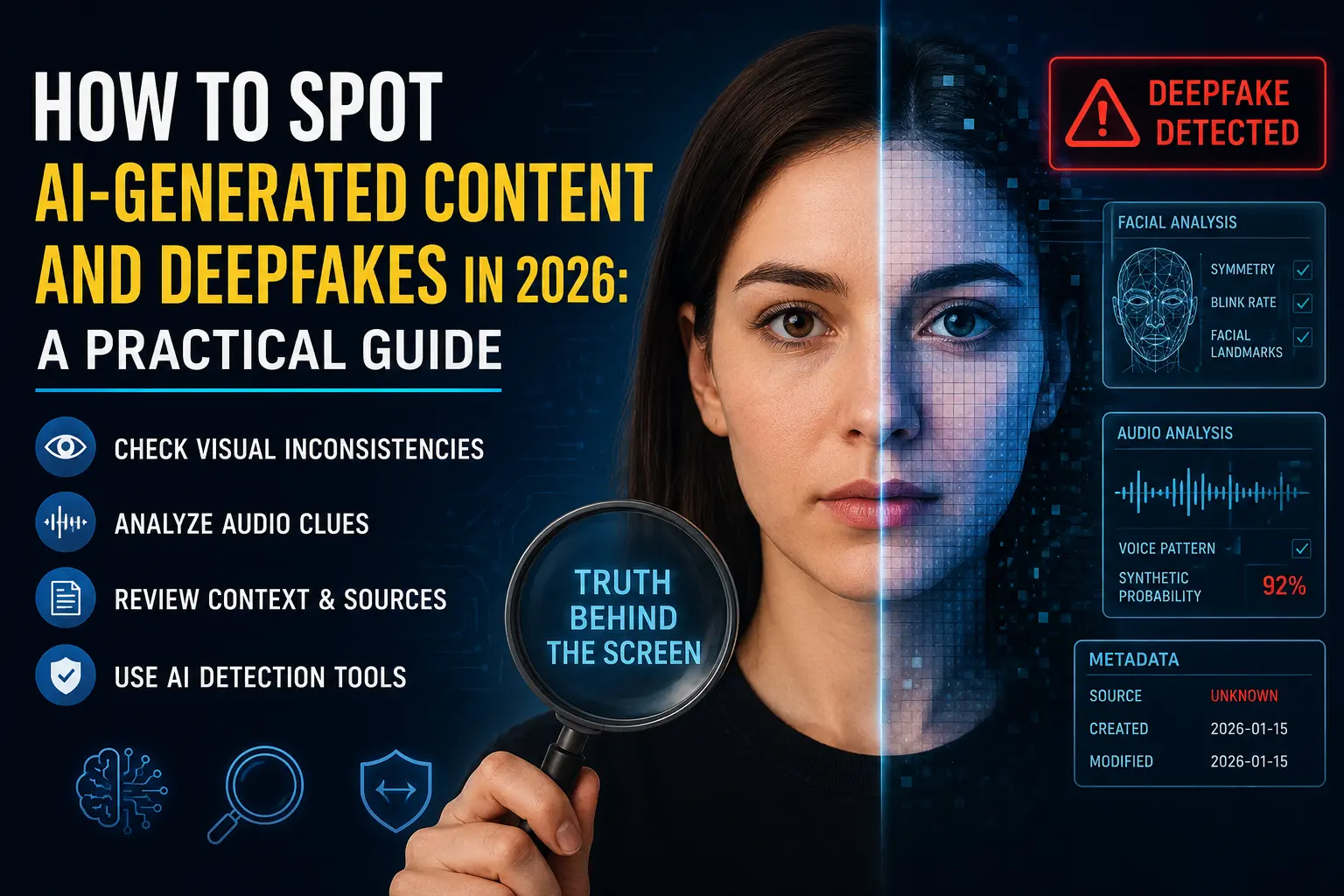
A phone call from your daughter, panicked, saying she’s been in an accident. A photo of a politician being arrested. A five-star product review from someone who’s never existed. All three can now be Ai-generated in under a minute, for free — and in 2026, “it looks real” and “it sounds real” no longer mean anything on their own.
This isn’t a distant, theoretical problem anymore. Deepfake technology has moved from a niche curiosity into a mainstream, everyday risk, touching everything from politics and finance to family phone calls. The good news: even the most convincing fakes still leave clues, if you know where to look. This guide breaks down exactly how to spot AI-generated video, images, text, and voice — and what to do when your eyes and ears genuinely can’t tell anymore.
Why This Got Harder in 2026
The old advice — “check for weird teeth” or “look at the lighting” — made sense when deepfakes were crude. It doesn’t anymore. Open-source video models like LTX-2 can now run on a decent consumer gaming PC, generating 4K deepfakes at 50 frames per second with synchronized audio.
The barrier to entry has essentially collapsed: someone with basic technical skills can now create a video of your CEO authorizing a wire transfer, or clone your voice from a three-second clip harvested from an Instagram story. The same generation tools have gotten so good that even legitimate creators are navigating this shift — we cover the legitimate side of this technology in our guide to the best AI video generation tools in 2026, including how models like Veo and Runway differ from misuse cases like deepfakes.
How to Spot Deepfake Videos
Even highly advanced deepfakes tend to fail at the edges of human behavior and physics — the subtle things that are hard to fake convincingly, even with cutting-edge models.
Watch the eyes and edges. Real humans blink spontaneously every 2 to 10 seconds. AI-generated faces often stare for unnaturally long stretches without blinking. Pay close attention to boundary regions too — the jawline, hairline, and ears — since these areas are where deepfake artifacts are most likely to show up, even in otherwise polished fakes.
Separate the audio from the video. Mute the video and watch the lip movements on their own. Then close your eyes and just listen to the audio. Ask yourself if each one feels natural in isolation, and then whether they genuinely feel synced when combined. Mismatches here are one of the more reliable tells, even as visual quality improves.
Check for compression and artifact inconsistencies. AI-generated content sometimes displays unusual compression patterns that differ from footage captured on an actual camera — a technical inconsistency that’s often invisible at a glance but shows up under closer inspection or dedicated detection tools.
Look at the cut length and context. Many deepfakes are short, tightly cropped clips presented with no surrounding context. For anything that actually matters, ask where the full video is and who else has it. A dramatic clip that exists only on one anonymous account, with zero coverage anywhere established, deserves real suspicion regardless of how convincing it looks.
Cross-check the content against known facts. Does what’s being said align with the person’s known, verified positions and public statements? AI-generated video is very good at producing a convincing face — it’s much worse at making the words that face says consistent with everything else that person has actually, verifiably said.
How to Spot AI-Generated Images
Static images have their own set of tells, though these are also improving fast as image models get better.
Zoom into hands, ears, and background text. These remain some of the harder elements for AI image generators to render consistently, even in 2026 — extra or fused fingers, oddly shaped ears, or garbled, nonsensical text in the background are still common giveaways.
Run a reverse image search. If a dramatic or shocking image is circulating, checking whether it appears anywhere else — in its original, unedited form, from a credible source — is one of the fastest ways to catch a fake before it spreads further.
Look for unnaturally smooth or “too perfect” textures. AI-generated images sometimes have a subtle waxy, overly clean quality to skin, fabric, or surfaces that real photography, with its natural imperfections and sensor noise, generally doesn’t replicate exactly.
Check for platform-level labels. As of Google’s I/O 2026 announcement, Chrome and Google Search now natively flag AI-generated and AI-edited images, using a combination of metadata analysis, Google’s SynthID watermarking system, and its own machine learning classifiers. If you’re viewing an image through Chrome or Google Search, this built-in labeling is worth checking before you go looking for visual tells yourself.
How to Spot AI-Generated Text
Text is arguably the hardest category to verify reliably — and it’s important to be upfront about a common myth here: automated AI-text detectors are widely considered unreliable. They routinely flag genuine human writing (especially by non-native English speakers) while missing edited AI output entirely. OpenAI actually shut down its own AI-text classifier back in 2023 for exactly this reason. Don’t trust a percentage score from any detector tool, and don’t accuse a student or writer of using AI based on one alone.
Instead, these approaches tend to work better:
Verify the checkable facts. AI-generated text confidently invents citations, statistics, case studies, and quotes that sound entirely plausible but don’t hold up. Pick two specific claims from a piece of writing and check them directly — fabricated specifics are one of the most reliable tells available, far more dependable than any stylistic pattern.
Watch for generic smoothness. Perfectly balanced paragraphs that technically say very little, sentences that hedge every claim, and a strange absence of any specific, concrete detail can all be signs of AI-generated filler — though this alone isn’t proof, since plenty of human writing is also generic.
The Fastest-Growing Threat: AI Voice Cloning Scams
If there’s one category worth taking most seriously right now, it’s voice cloning — because unlike a viral fake video, this one is increasingly showing up as a direct, personal financial attack on ordinary families.
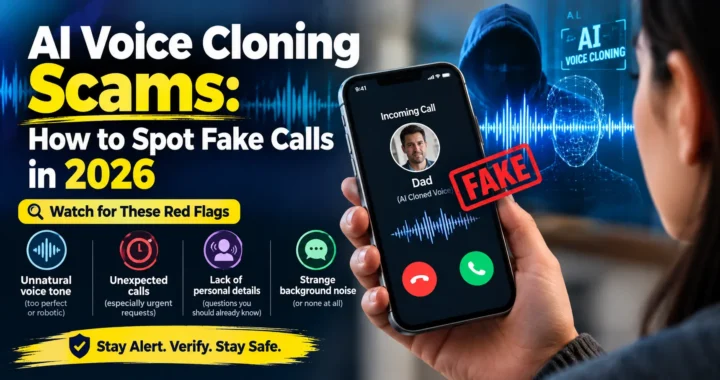
The numbers here are genuinely striking. Scammers can now clone a voice convincingly using as little as three seconds of audio, sourced from a TikTok video, a voicemail greeting, or an old social media clip. According to Hiya’s State of the Call 2026 report, roughly one in four Americans received a deepfake voice call in the past year, and 77% of people who engaged with an AI impersonation call ended up losing money.
Losses in the “grandparent” or family-emergency scam average around $11,000 per incident, while business-targeted “CEO wire transfer” scams average well over $250,000 — including one documented case where an engineering firm lost $25.6 million after an employee joined a staged video conference featuring deepfake versions of multiple colleagues.
How to Protect Yourself and Your Family
Set a family safe phrase. This is the single most consistently recommended defense across security researchers and financial institutions. Agree on one word or phrase in advance that a real family member would say if they genuinely needed help. AI can clone a voice, but it doesn’t know a phrase you’ve never said publicly.
Never trust caller ID alone. Spoofing a phone number costs a fraction of a cent per call in 2026 and works against essentially every carrier. A call showing a familiar number proves nothing on its own.
Hang up and call back on a known number. If you get an urgent, distressing call, hang up and call the person directly using a number you already have saved — not one provided during the call itself.
Watch for the classic pressure pattern. Extreme urgency, combined with a demand for untraceable payment — wire transfers, gift cards, or cryptocurrency — is the clearest warning sign across nearly every documented case. A second person suddenly joining the call to “help verify” or “confirm details” is another common red flag.
Listen for subtle audio tells, while knowing they’re not fully reliable. Real panic tends to have natural rhythm and variation; AI-generated panic can sound strangely uniform or “metronomic” in pacing. Unnatural breath sounds, small audio clicks, or a caller who refuses to switch to a video call are all worth treating with suspicion — but don’t rely on these alone, since detection tools themselves only hit 90%+ accuracy on clean recorded audio, dropping to 60–75% on a live, compressed phone call, which is exactly the scenario you’d actually need them for.
Limit how much personal audio you share publicly. Since scammers primarily source cloning material from social media videos, voicemail greetings, and public clips, being more deliberate about what audio of yourself and your family goes online genuinely reduces your exposure.
Detection Tools Worth Knowing About
While no tool is perfect, several are genuinely useful as a second layer of verification, especially for images and pre-recorded video:
- Free, quick-check tools for AI-generated video exist that analyze footage for generation artifacts without requiring signup, useful for a fast gut-check on suspicious clips.
- Google’s SynthID and Chrome/Search labeling, rolled out following the company’s I/O 2026 announcement, natively flags AI-generated and AI-edited images as you browse.
- C2PA (Content Credentials) is the industry’s emerging long-term standard, cryptographically signing digital content at the moment of capture to create a tamper-evident chain of custody. Adobe, Sony, and Leica have already implemented it. The catch: several major platforms strip metadata during upload to reduce file size, which can effectively delete the C2PA manifest in the process — meaning this standard is promising, but not yet a complete solution.
- Enterprise-grade voice authentication tools exist for businesses handling high-value transactions, though consumer-facing equivalents remain less reliable on real-world phone call audio compared to clean studio recordings.
The Honest Bottom Line
Technical solutions will always lag slightly behind the threat, and that gap isn’t closing anytime soon. The strongest defense genuinely isn’t a piece of software — it’s a habit of pausing, verifying through an independent channel, and treating extreme urgency as a warning sign rather than a reason to act faster. Combine several techniques rather than relying on just one: check the source, inspect the visual and audio details, verify specific factual claims independently, and when money or sensitive action is being requested, always confirm through a channel the requester didn’t provide themselves.
In 2026, the safest starting assumption is a simple one: a familiar face or voice alone is no longer sufficient proof that content is what it claims to be.
Frequently Asked Questions
Can AI detection tools reliably tell me if something is fake?
Not with full certainty. Video and image detection tools have improved significantly and can be a useful second opinion, but accuracy drops considerably on compressed or low-quality audio and video — exactly the conditions most scam calls and viral clips involve. AI-text detectors specifically are widely considered unreliable and shouldn’t be used to make accusations.
How much audio does it take to clone someone’s voice?
As little as three seconds, according to multiple 2026 security reports. This audio can be pulled from social media videos, voicemail greetings, or old clips posted online, which is why limiting how much personal audio you share publicly has become a genuine security recommendation.
What’s the single best defense against a voice cloning scam?
Setting up a family or team safe phrase in advance, combined with a firm rule to never send money, gift cards, or cryptocurrency based on a phone call alone — always hang up and verify through a number you already have saved.
Are deepfakes only a problem for celebrities and politicians?
No. While political and celebrity deepfakes get the most media attention, the fastest-growing real-world harm in 2026 is happening to ordinary families and businesses, through voice cloning scams targeting personal emergencies and corporate wire transfers.
What is C2PA, and does it fully solve the deepfake problem?
C2PA (Content Credentials) is an industry standard that cryptographically signs media at the moment of capture, creating a verifiable chain of custody. It’s a meaningful step forward, adopted by companies like Adobe, Sony, and Leica, but it isn’t a complete fix — several major platforms currently strip this metadata during upload, which can remove the verification data entirely.
Related Reads
- What is Agentic AI? The Biggest Tech Trend of 2026 Explained
- Best AI Video Generation Tools in 2026 (Sora, Veo, & Beyond)
- MyTechArm.com Review: Real or Fake Site?
Note: Statistics, tools, and technical details referenced in this article reflect publicly available information as of mid-2026. Deepfake generation and detection technology continue to evolve rapidly on both sides — always verify significant or financially consequential content through independent, trusted channels.


[…] no longer means just email. We’ve covered this specific threat in more depth in our guide on how to spot AI-generated deepfakes, including the exact voice-cloning tactics behind these […]
[…] to understand how AI-related privacy risks extend beyond VPNs too, it’s worth reading about how to spot AI-generated content and deepfakes in 2026 — the two issues increasingly overlap as more of daily browsing involves AI […]